Auto-Exclude
One press, and the background goes quiet.
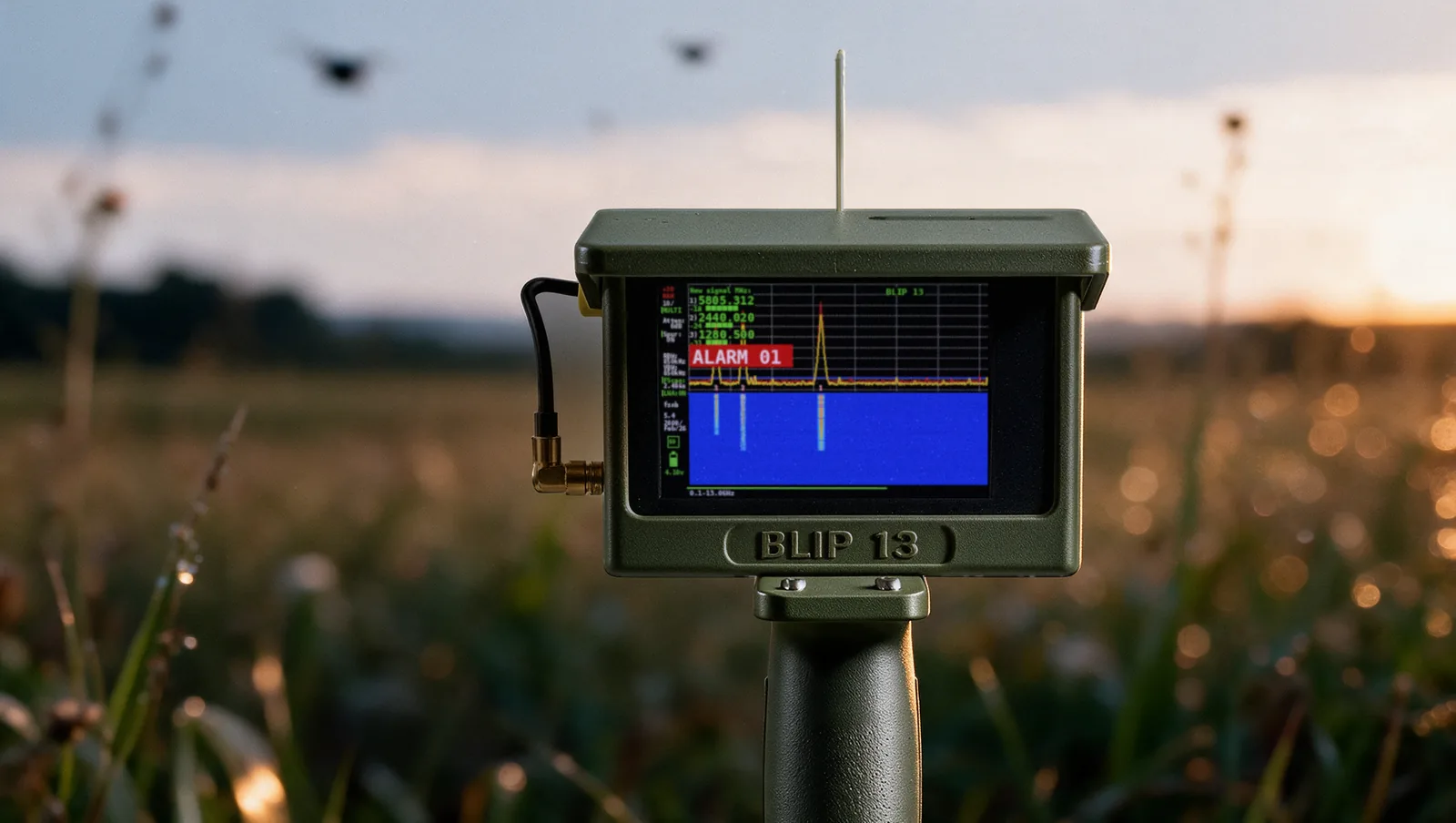
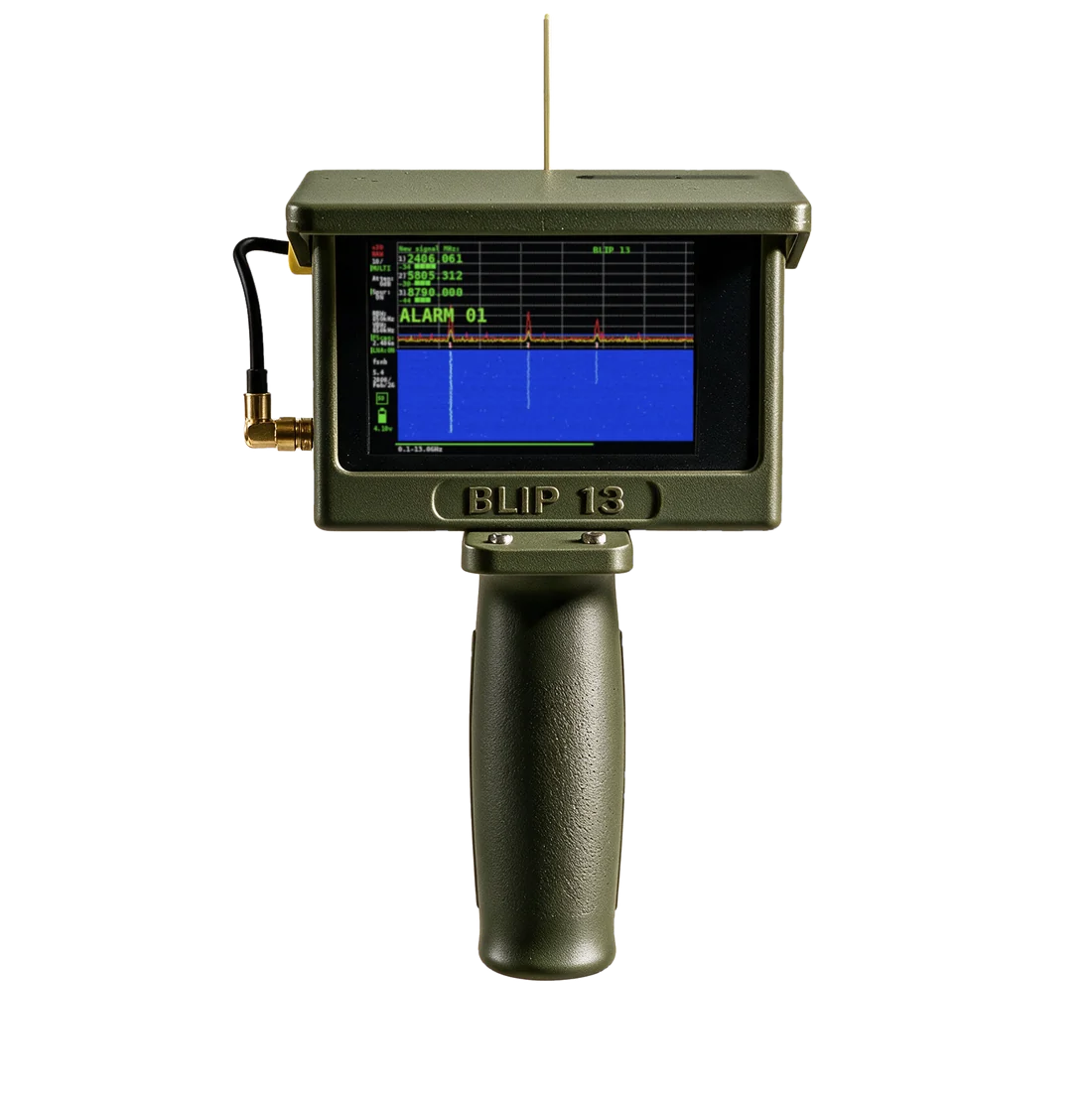
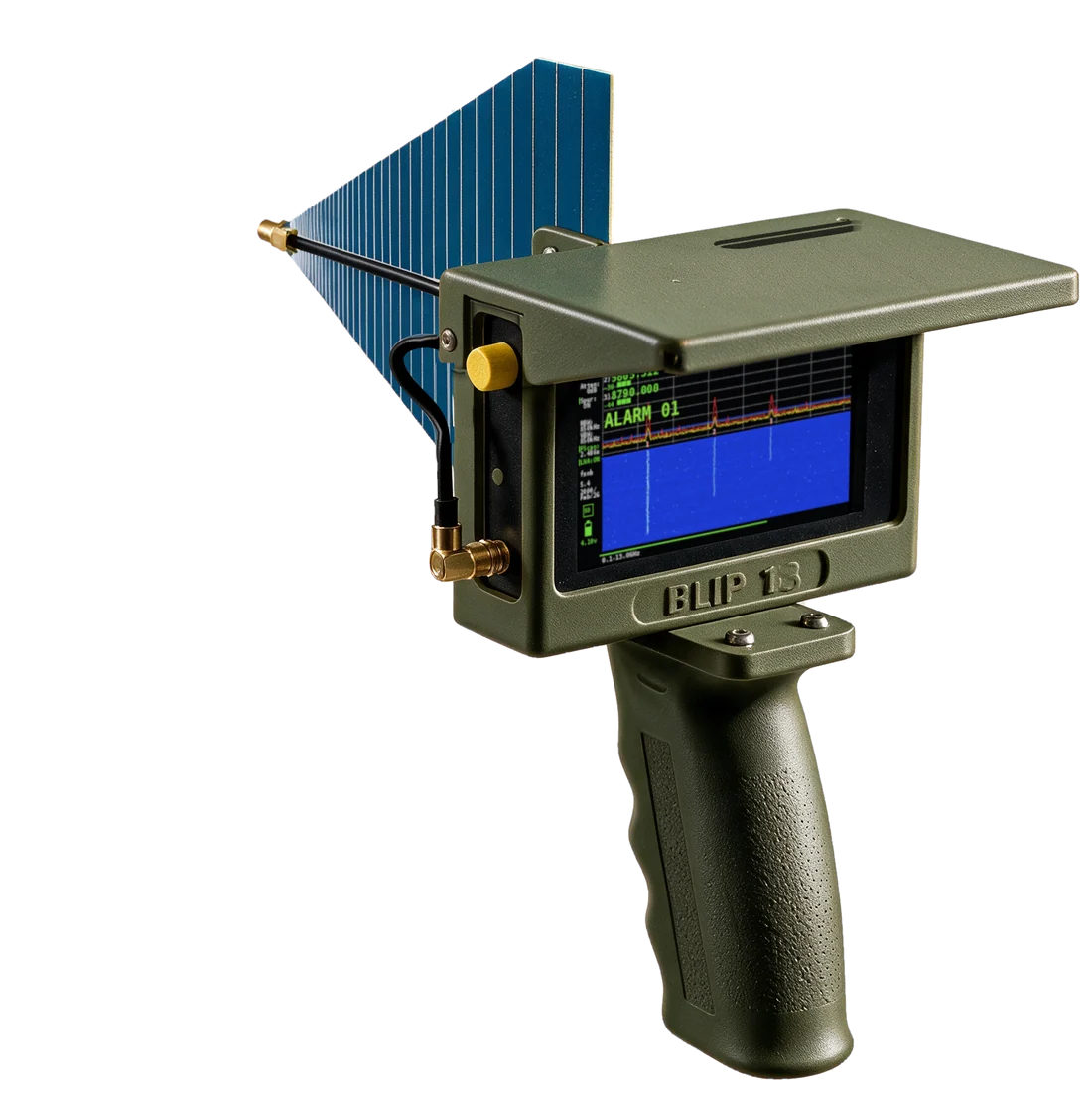
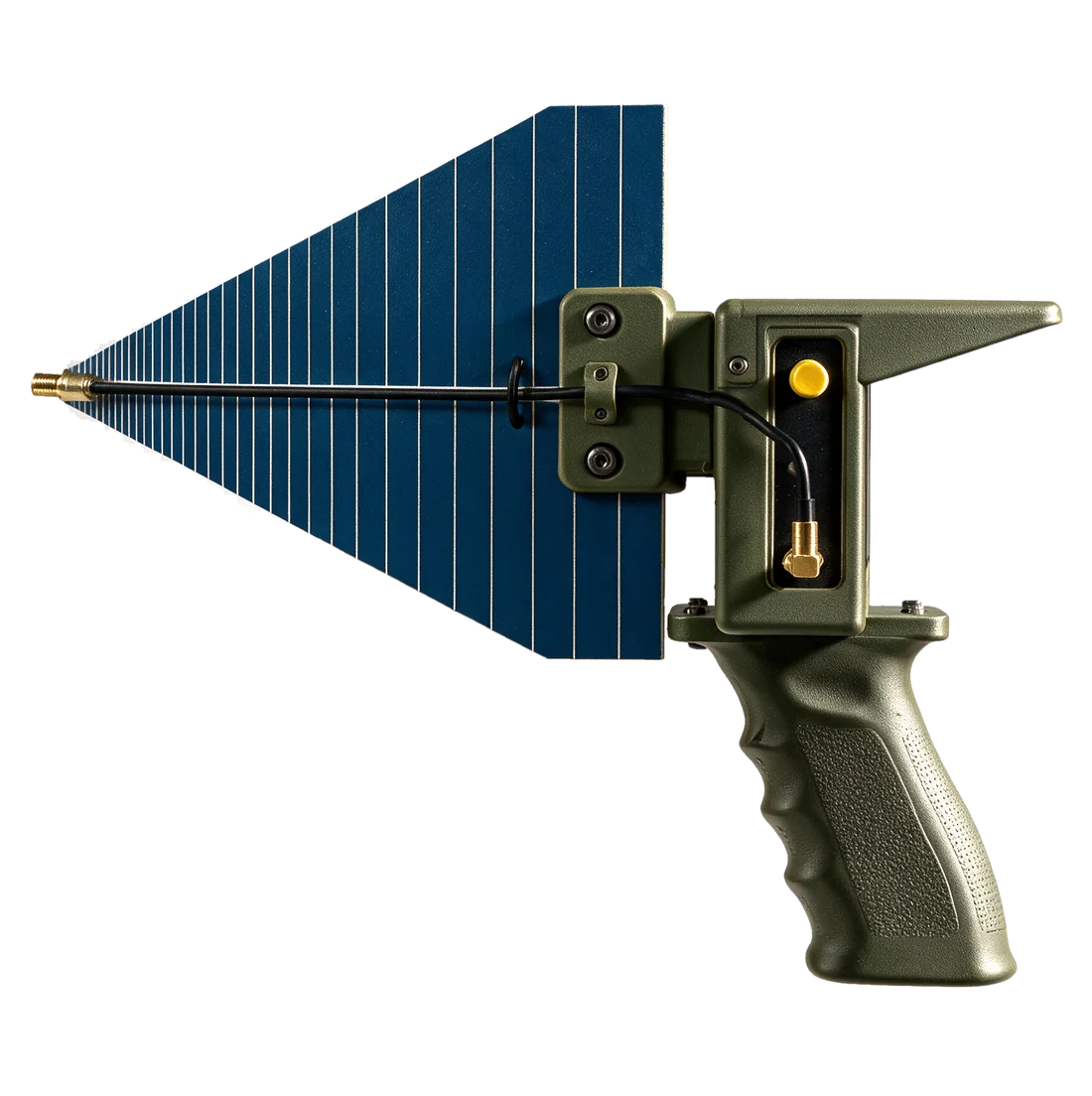
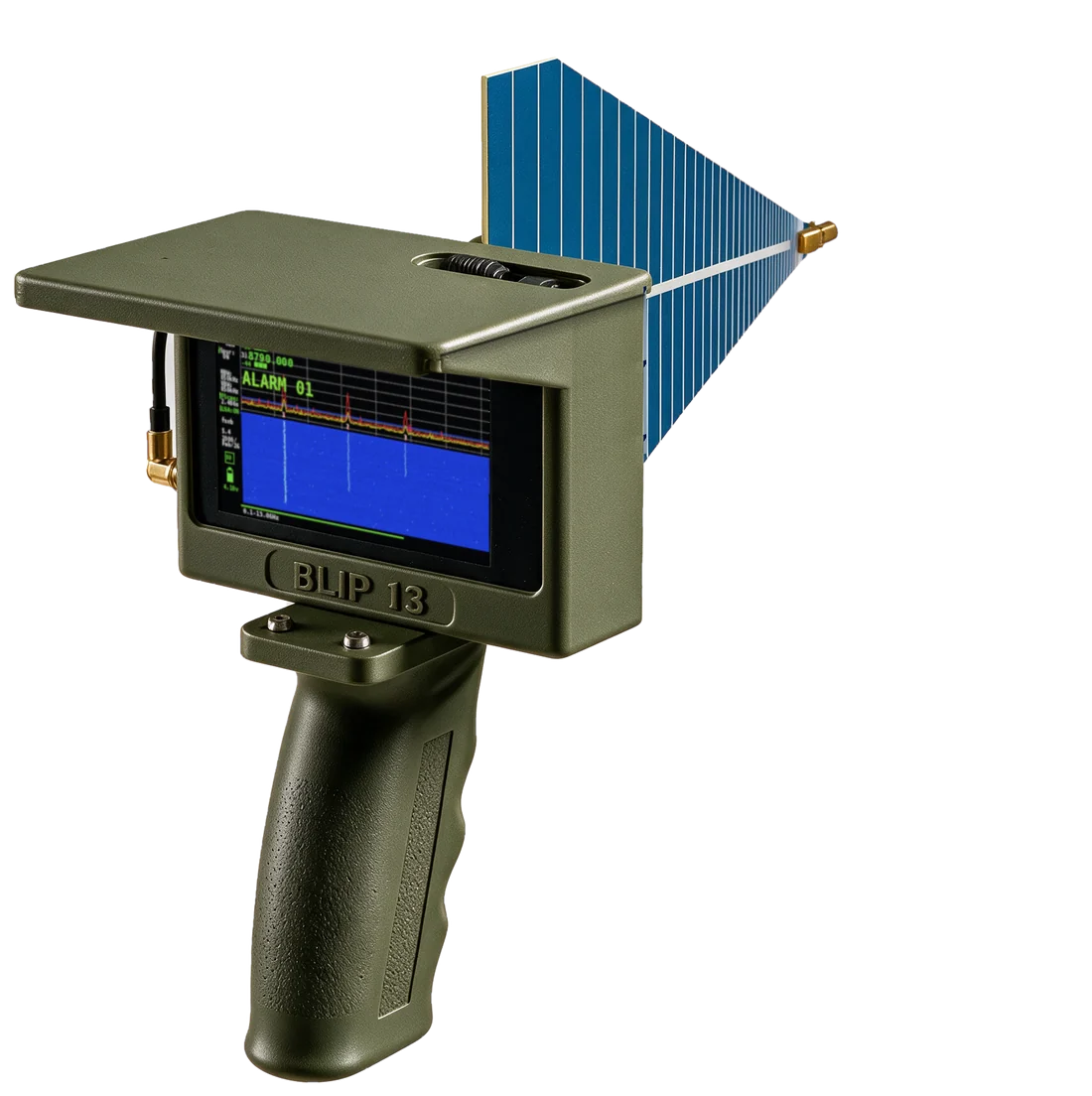
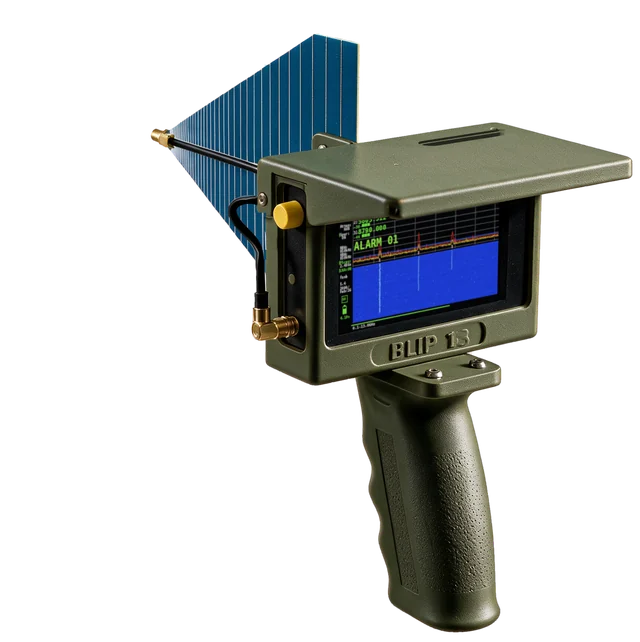
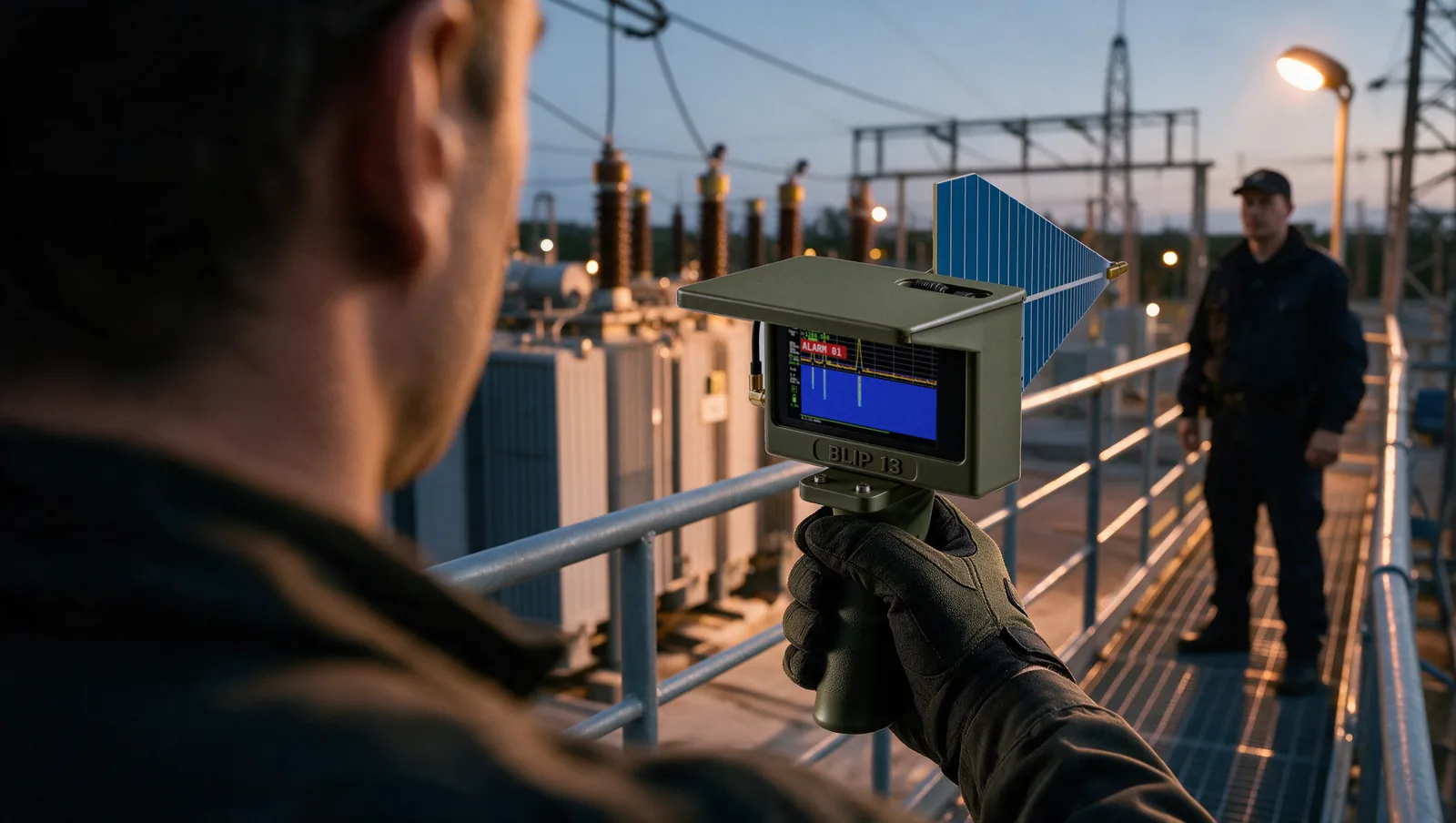
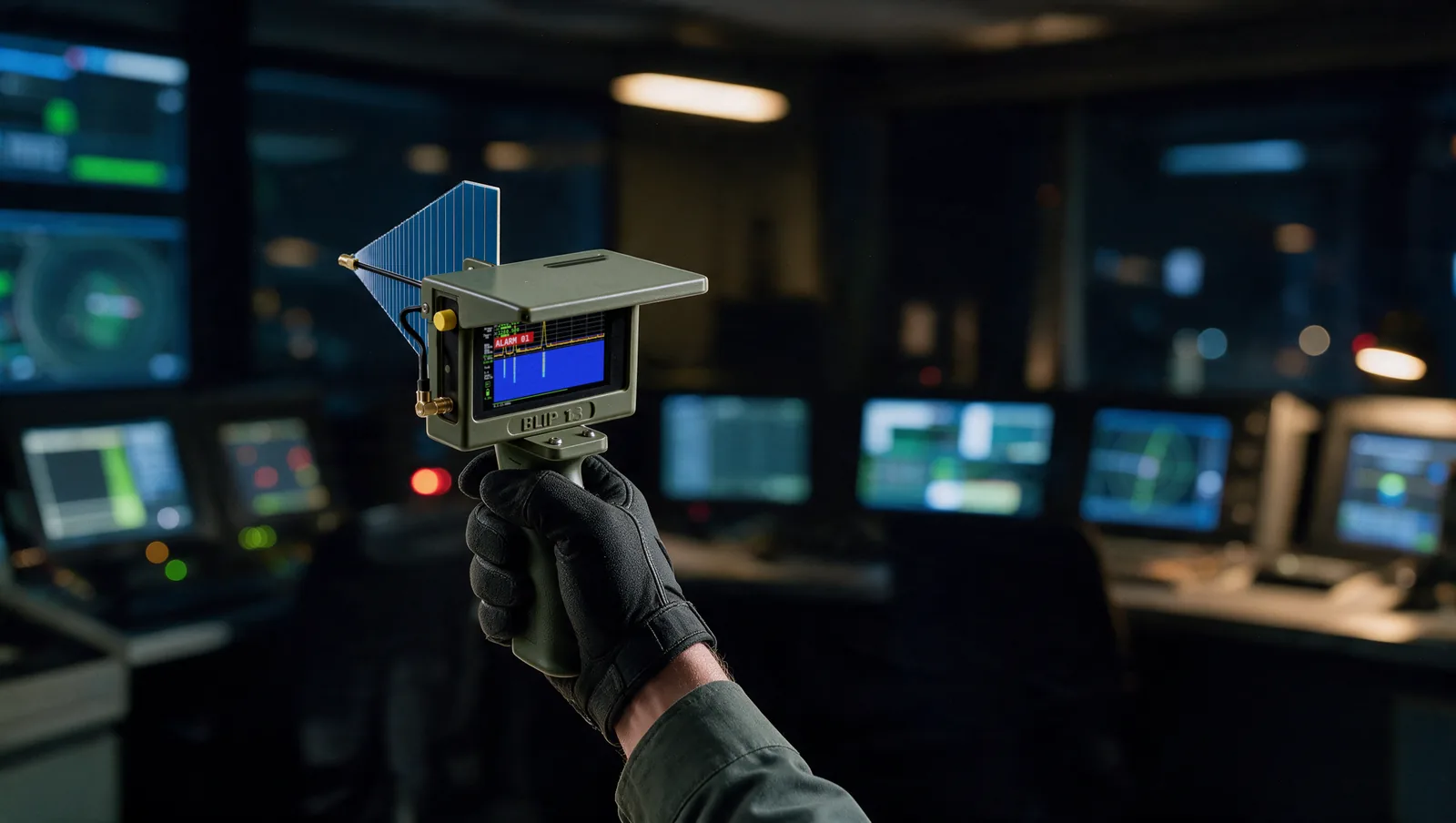
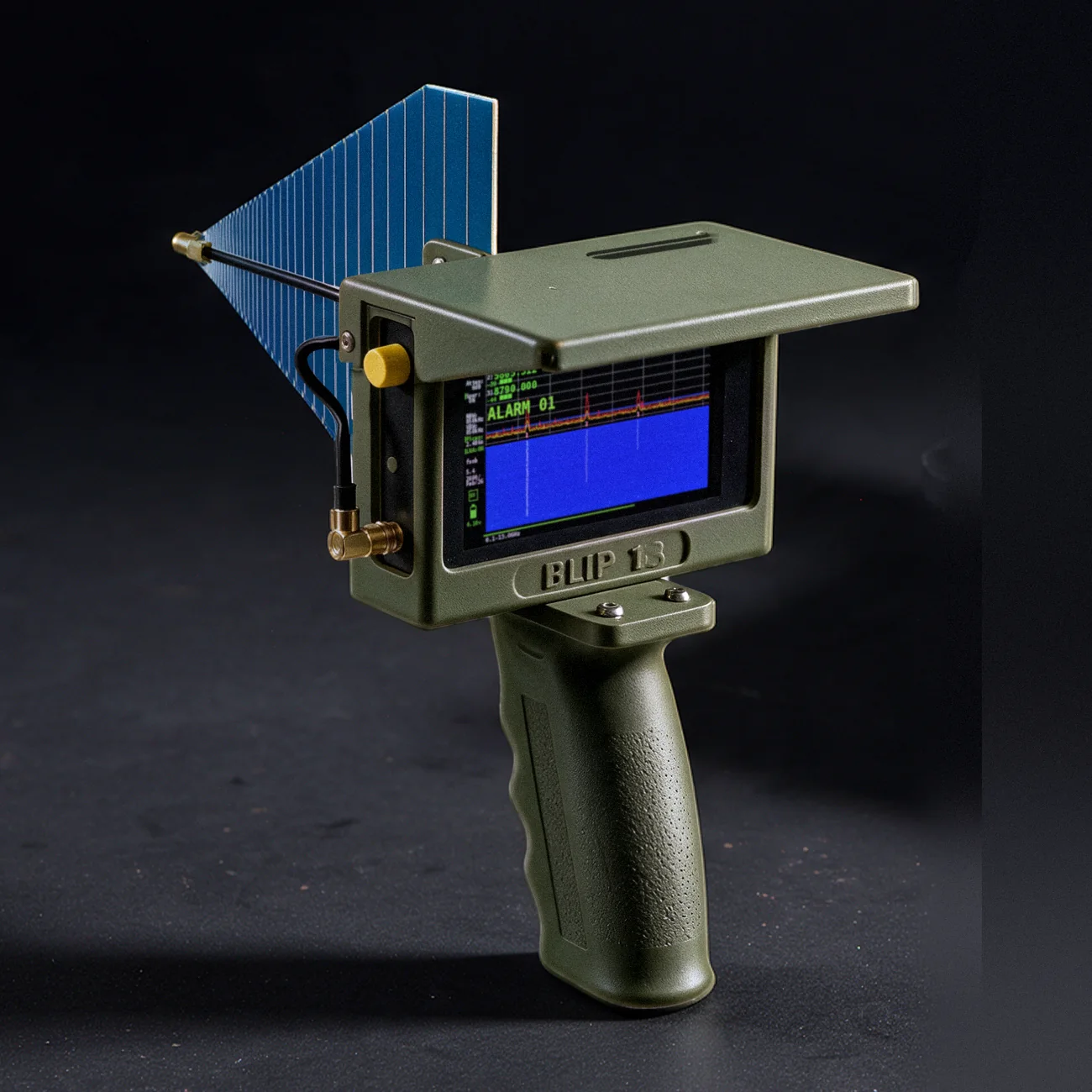
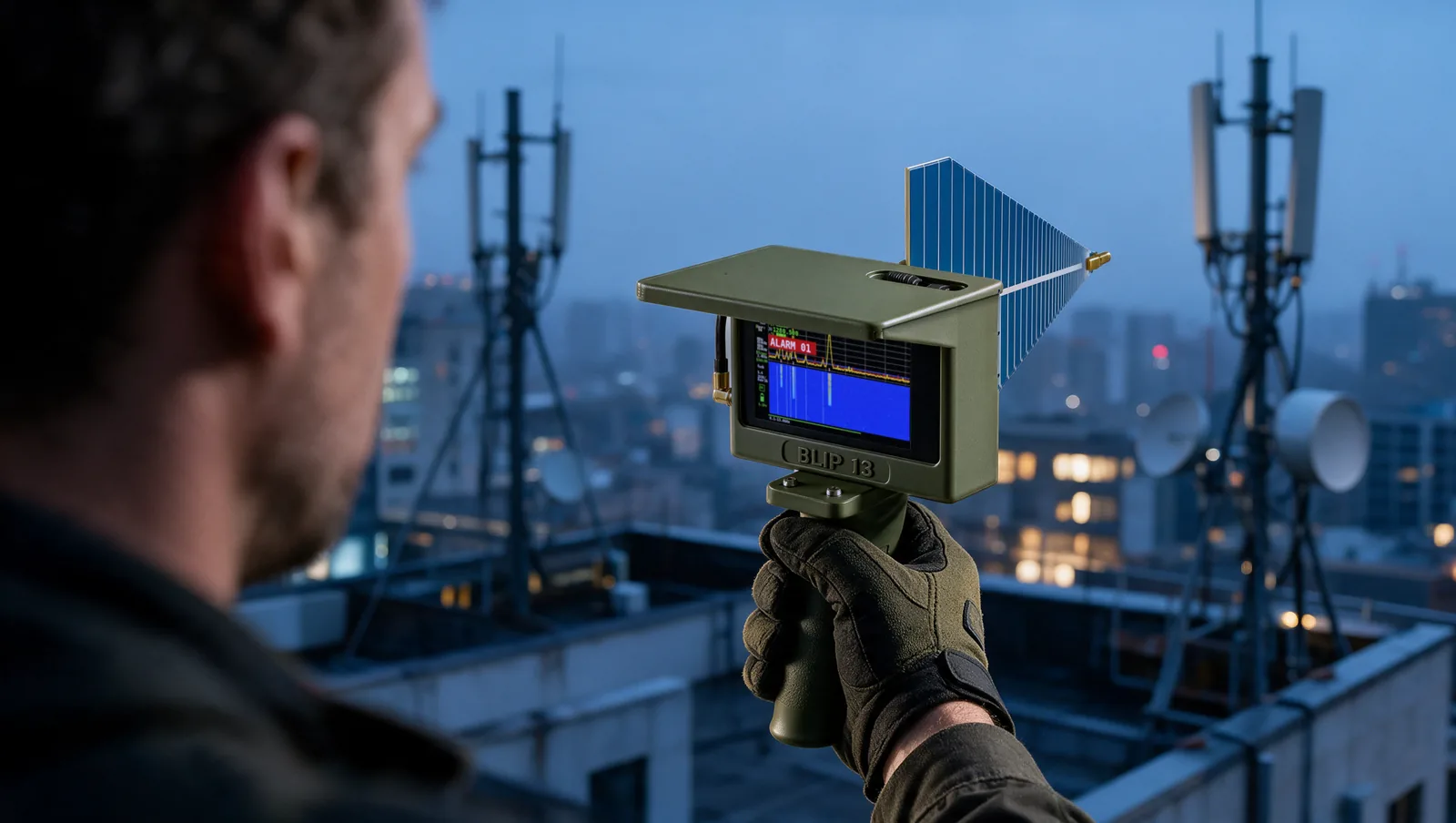
Press Auto-Exclude and BLIP 13 adds everything currently on air — cell towers, Wi-Fi, radios — to its exclusions. From then on it reacts only to new signals. Each further press adds the newest sources to the list. Excluded signals stay visible on the graph in green.
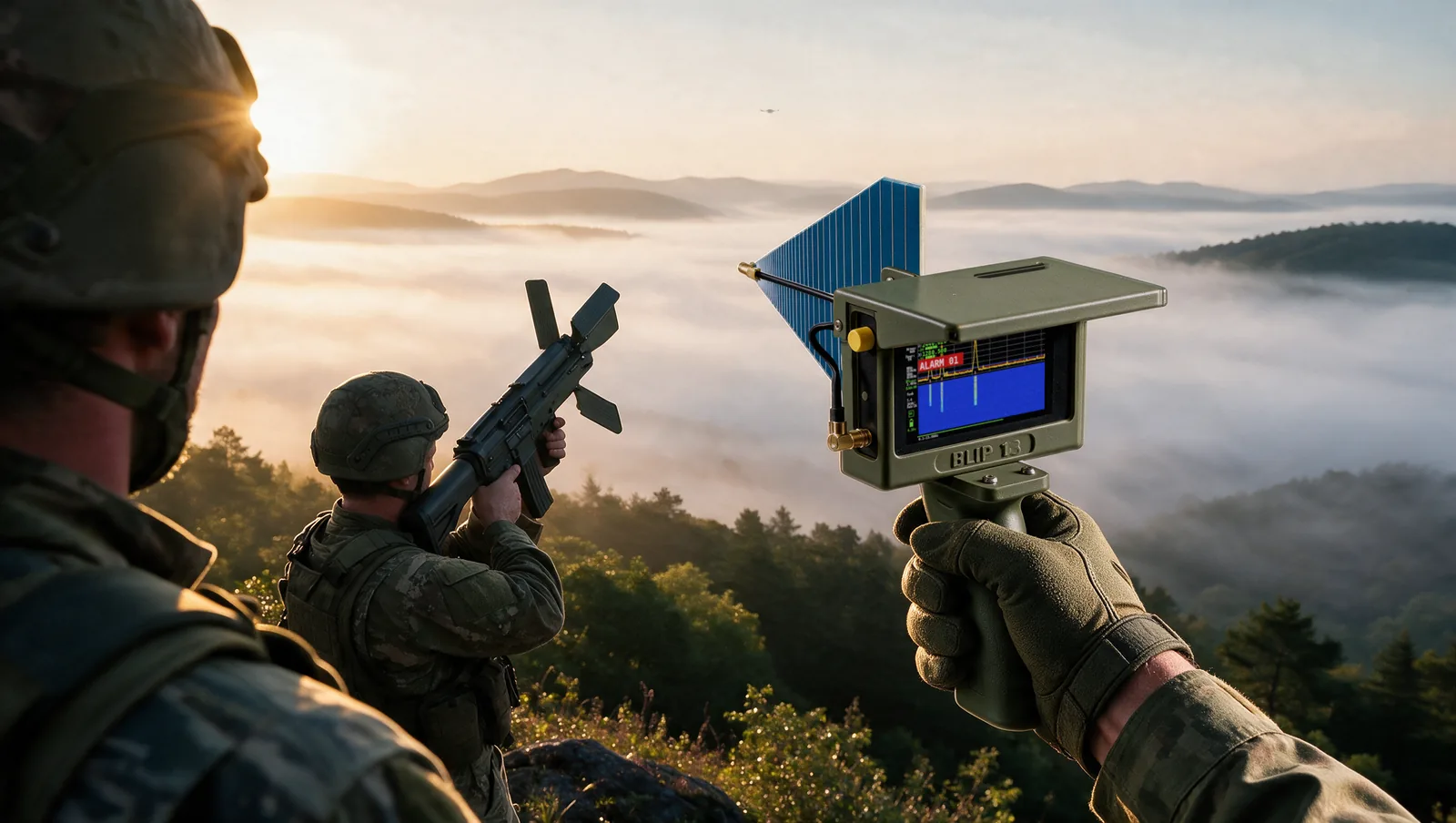
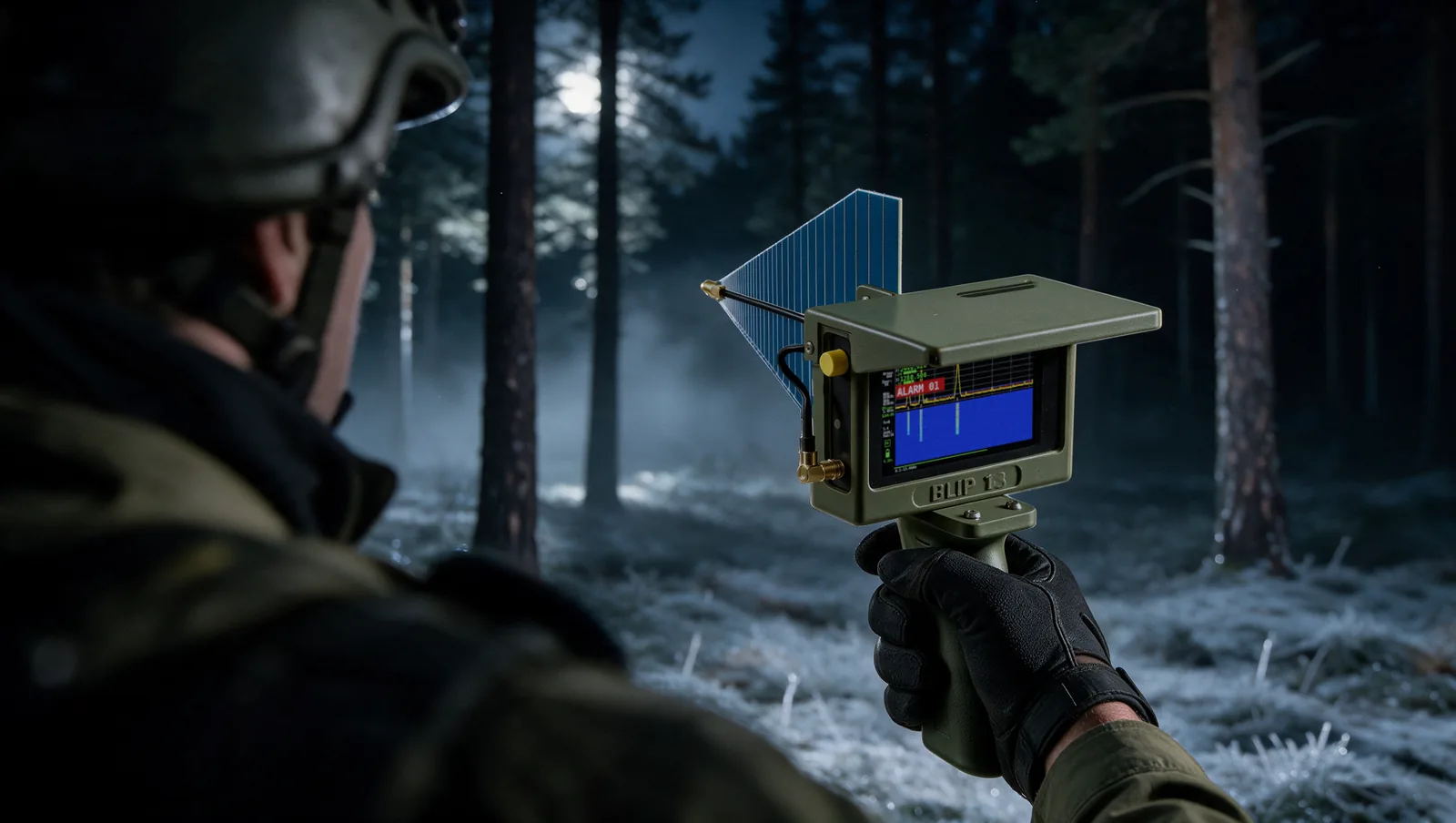
The band itself is never switched off. If a drone comes up next to an excluded cell tower, on the very same band, BLIP 13 still raises the alarm.